Screen Time on iPhone, iPad, or iPod touch
Use Screen Time features on iPhone, iPad, and iPod touch to manage yours or your child's device usage.
Screen Time for Yourself
- Open Settings
- Scroll down to Screen Time
- Tap App & Website Activity to turn on Screen Time tracking
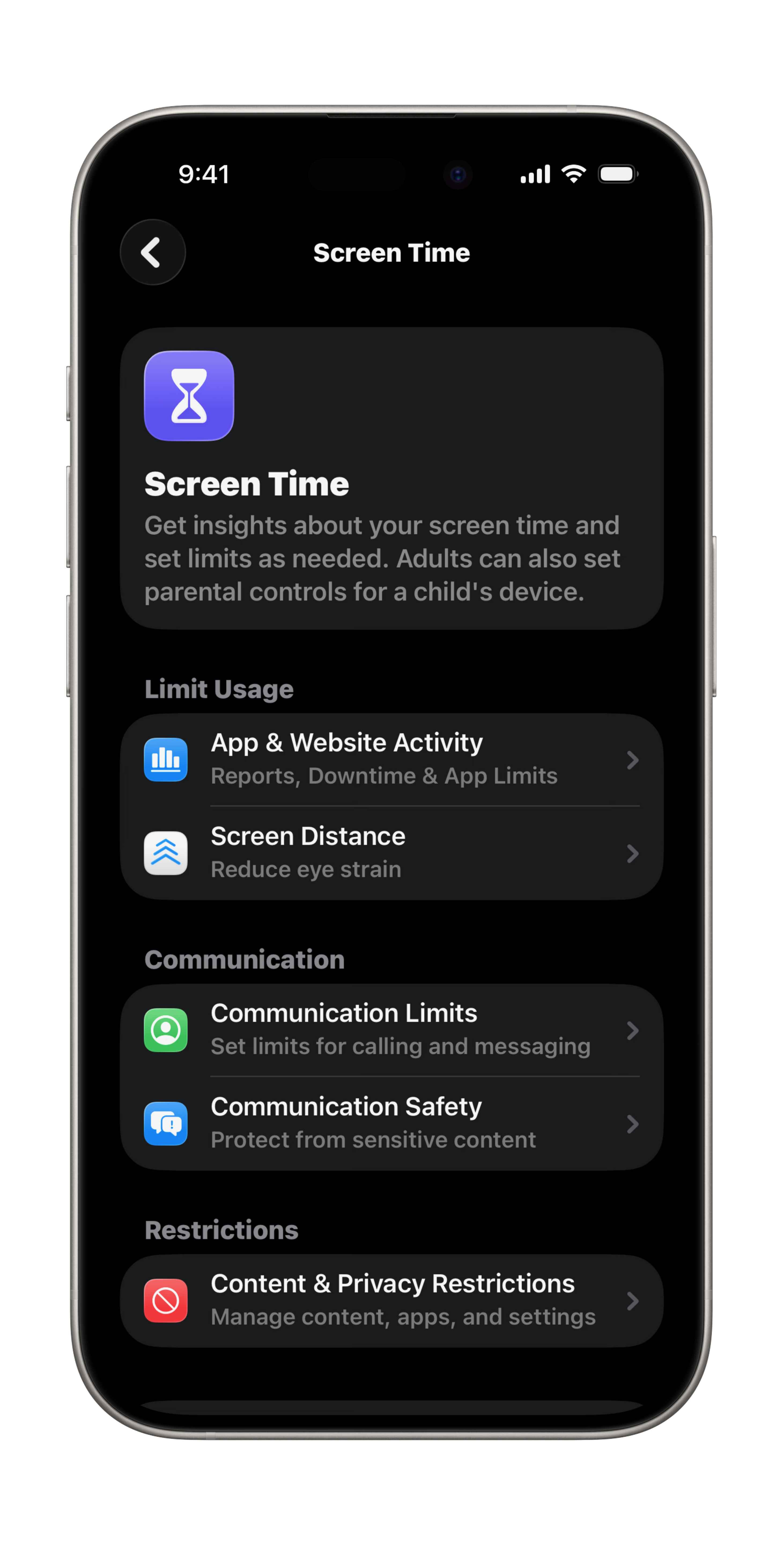
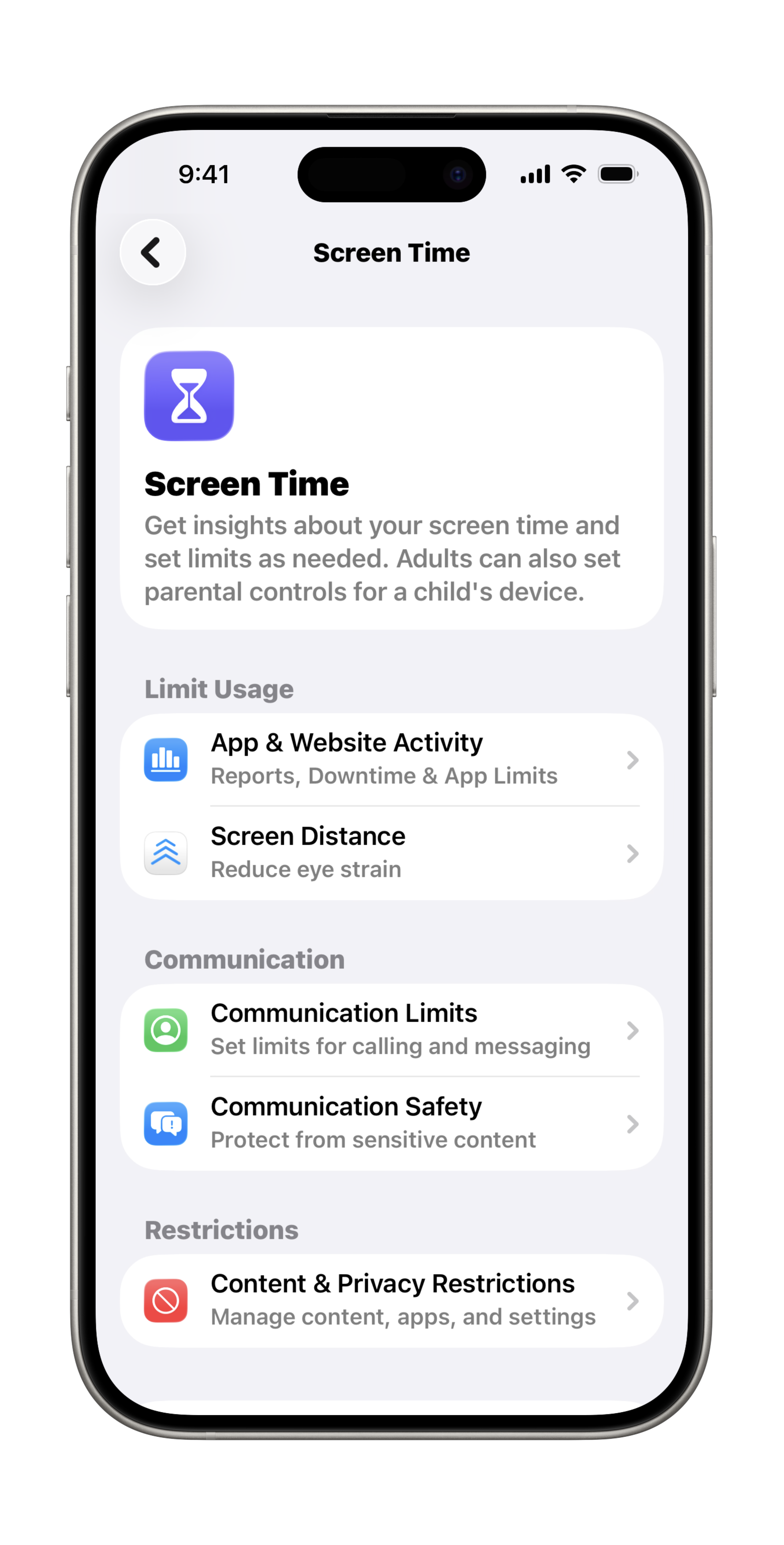
Any time after you turn on Screen Time, you can view a report of your device use, including how much time you spend using certain kinds of apps, how often you pick up your iPhone and other devices, which apps send you the most notifications, and more.
Set a Screen Time Passcode
You can share your Screen Time settings and reports across all your devices in the Screen Time settings.
- Open Settings
- Scroll down to Screen Time
- Scroll down to Lock Screen Time Settings
Screen Time for Your Child
With Screen Time, you can see how much time your child spends on their device, including which apps and websites they use the most. You can also schedule daily app limits, block content that isn't age appropriate, and more.
Use Your iPhone or iPad to Setup Screen Time for your Child's Device
You can setup and manage your child's Screen Time through Family Sharing on your iPhone or iPad. Your child must have a separate Apple Account and connected through Family Sharing to manage their Screen Time through your device.
- Open Settings
- Scroll down to Screen Time
- Scroll down to Family and tap your child's name
- Follow the onscreen instructions to setup Screen Time restrictions, set a passcode for Screen Time settings, and more.
You can manage your child's Screen Time on their device by following the same steps as if to setup Screen Time for Yourself.
Last updated: February 18, 2026
All Apple ID's have been updated to Apple Accounts. Your data is still safe and secure and your login info is still the same.
An Apple Account can be created on an iOS device with iOS 9 or later.
Reference the original support articles by Apple here:
Get started with Screen Time on iPhone - Apple Support
Use Screen Time to Manage your child's iPhone or iPad - Apple Support
All references to Apple Inc. and their products and services are trade-marked and are used in these articles for educational purposes.